Animation accessibility
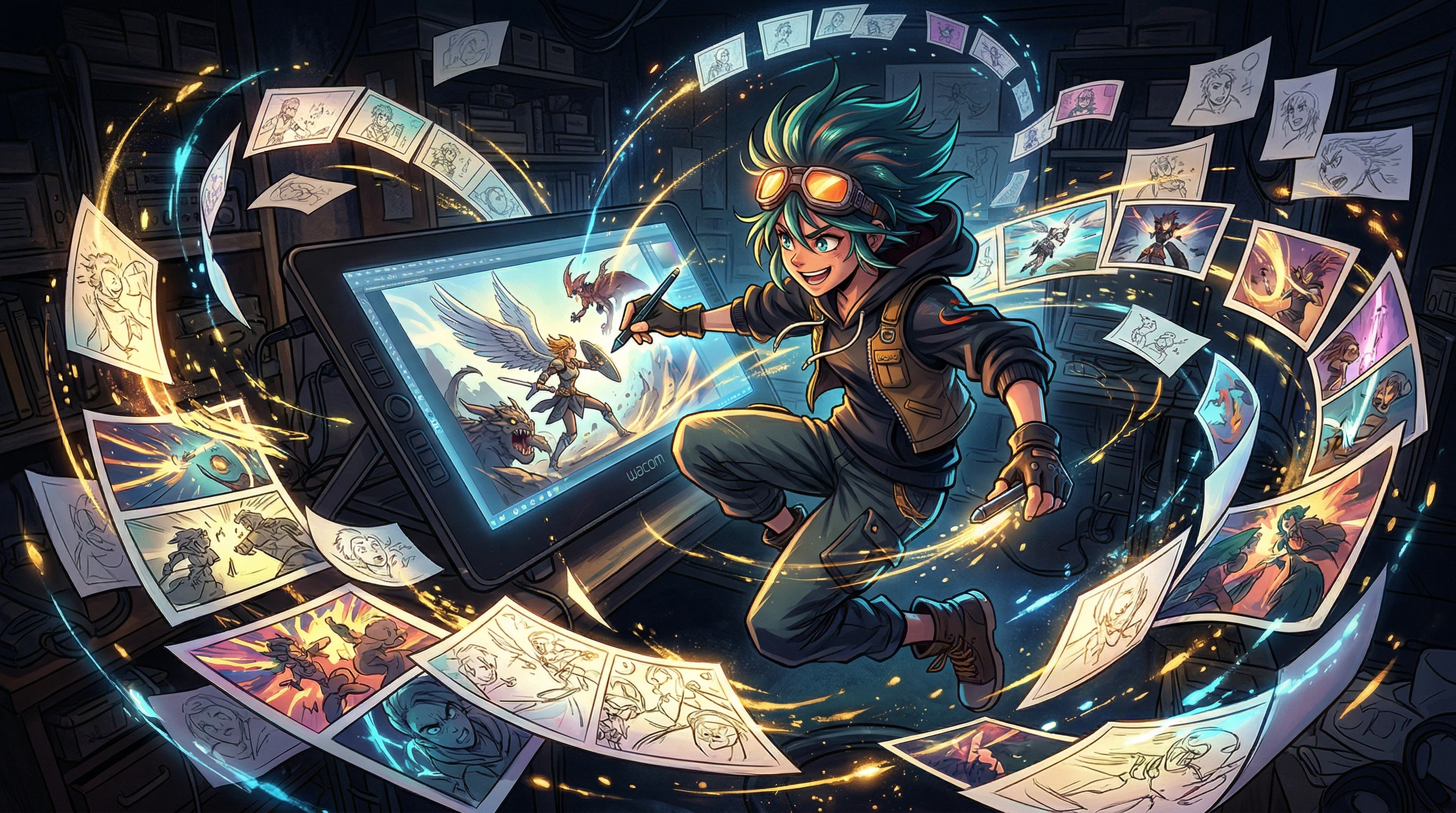
VerifiedAI video generation has lowered the barrier to creating animation from years of training and expensive software to writing descriptive prompts
AI video models like HappyHorse can generate anime-style clips, character animations, and short film sequences that would traditionally require skilled animators and significant production time.
Key facts
AI video generation has lowered the barrier to creating animation from years of training and expensive software to writing descriptive prompts
Current AI video models can produce convincing anime-style clips with consistent visual style, though maintaining character consistency across scenes remains challenging
Multiple AI-generated short films have gained attention online, but most rely on stitching multiple short clips together with careful editing and post-production
AI animation does not replace professional animation studios for feature-length or narrative-heavy work, but it opens animation as a medium to creators who could not access it before
Get 50+ tested AI video prompts, comparison cheat sheets, and workflow templates delivered to your inbox.
Mixed signal
Use case guidance is based on general AI video capabilities. Specific HappyHorse results may vary.
Readers should expect careful wording here because public reporting confirms the topic, while some product details still need cautious treatment.
Animation has always been one of the most labor-intensive creative mediums. A single minute of traditional animation can require hundreds of hand-drawn frames. AI video generation changes the economics fundamentally: the bottleneck shifts from drawing skill to creative vision.
Current AI video models, including HappyHorse, can generate several types of animated content:
This is arguably where AI video generation shines brightest. The visual language of anime, with its distinctive character designs, dynamic camera angles, and atmospheric lighting, translates well to AI generation. Models trained on large video datasets have absorbed decades of anime visual conventions.
What works well:
What remains challenging:
AI can generate character motion that would traditionally require rigging, keyframing, or motion capture:
The limitation is consistency. Generating the same character doing different things across multiple clips is unreliable without additional tools like character reference images or LoRA-style fine-tuning.
This is an underappreciated strength of AI video. When visual consistency is not required and artistic interpretation is welcome, AI generation can produce genuinely striking abstract animation:
Several AI-generated short films have gained attention online, demonstrating that narrative content is possible with careful planning. The typical production approach involves:
This workflow is more like directing than animating. You are making creative decisions about what to generate and how to assemble it, not creating individual frames.
AI does not eliminate pre-production. If anything, it makes it more important:
With your shot list ready:
This is where an AI animation project comes together:
Animation-specific prompting differs from live-action prompting in some key ways:
Specify the animation style explicitly: "Anime style" is too vague. Try: "90s anime OVA aesthetic, cel-shaded, film grain, limited color palette" or "modern anime, clean lines, digital color, studio Bones action quality."
Exaggerate motion and expression: Animation thrives on exaggeration. Prompts like "extreme close-up of eyes widening in shock" or "dramatic speed lines as character lunges forward" produce more dynamic results than realistic descriptions.
Name camera techniques: "Dutch angle tracking shot," "slow zoom into eyes," "sweeping aerial establishing shot." The more specific the camera direction, the more cinematic the output.
Use lighting as storytelling: "Backlit silhouette against sunset" communicates more mood than "character standing outside." In animation, lighting is a narrative tool, not just an aesthetic choice.
If you are new to AI animation, start with a realistic scope:
Scale up as you learn what works and what your prompt style produces consistently.
For ready-to-use anime prompt templates, see anime prompts. For cinematic live-action style prompts that work for animation too, check cinematic prompts. For background on the model, visit what is HappyHorse.
This website is an independent informational resource. It is not affiliated with HappyHorse or its creators. Animation workflow guidance reflects general AI video generation capabilities, and results will vary by model and use case.
FAQ
Not in a single generation. Current AI video models generate clips of a few seconds each. Creating longer content requires generating multiple clips and editing them together. Maintaining character consistency and narrative coherence across clips remains one of the biggest challenges.
Anime and stylized animation tend to produce the most impressive results. Photorealistic 3D animation and traditional 2D frame-by-frame styles are less consistent. Abstract and experimental animation can be surprisingly effective since visual inconsistencies become artistic choices.
No traditional animation skills are required. However, understanding visual storytelling, composition, camera movement, and pacing will significantly improve your results. The skill shifts from drawing ability to visual direction and prompting.
Recommended tool
Powered by Elser.ai.
Try AI Image Animator