Generation mode
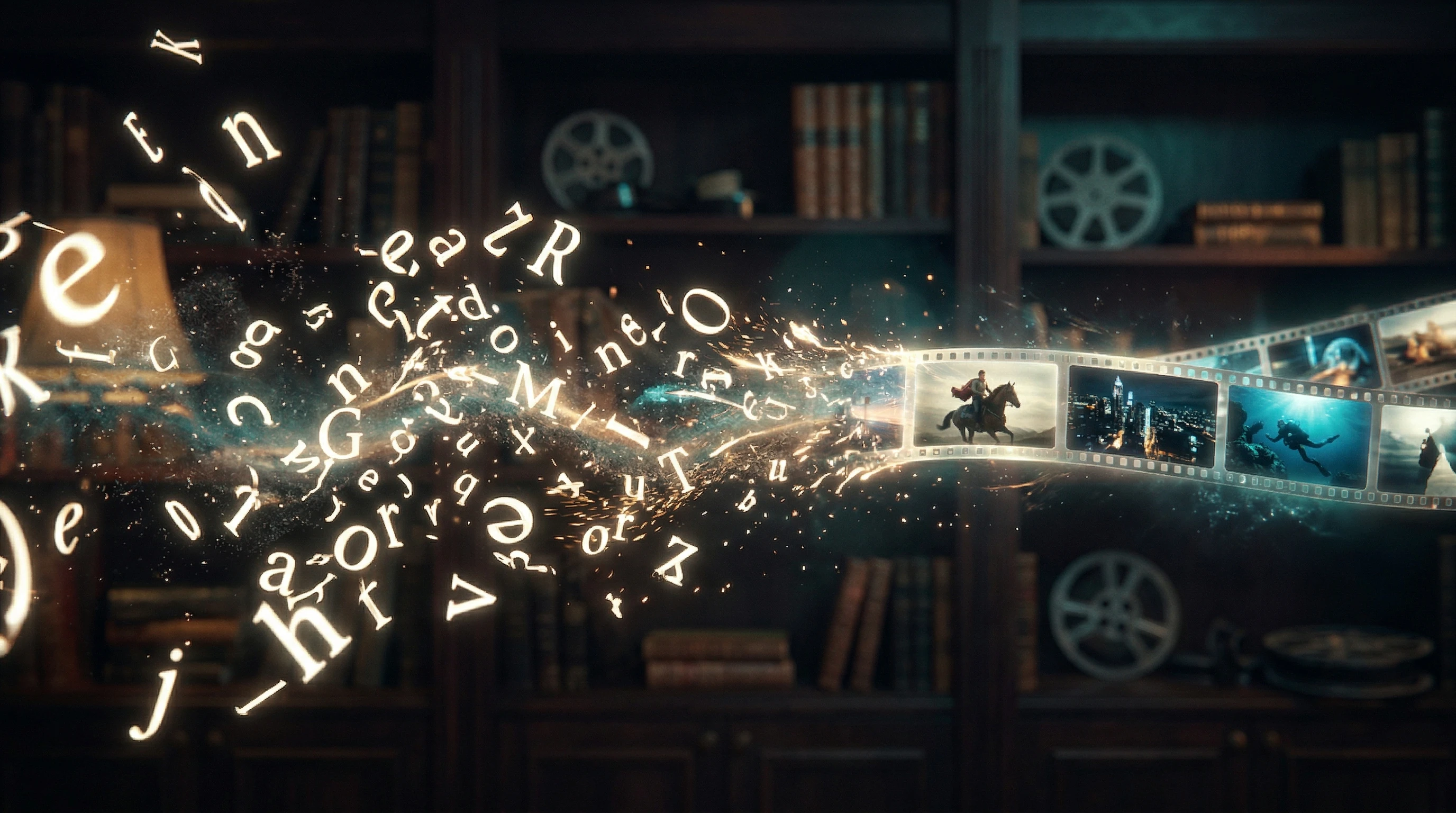
VerifiedText-to-video allows users to generate video clips directly from written text descriptions without any source image
A detailed guide to HappyHorse text-to-video generation covering prompt engineering, quality settings, and practical examples with expected output descriptions.
Key facts
Text-to-video allows users to generate video clips directly from written text descriptions without any source image
HappyHorse reportedly supports up to 1080p output resolution for generated video
The model uses an 8-step denoising process, which is fewer steps than many competing models and suggests faster generation
Like all AI video models, output quality is heavily dependent on prompt specificity and structure
Get 50+ tested AI video prompts, comparison cheat sheets, and workflow templates delivered to your inbox.
Mixed signal
Tutorial content is based on publicly available information. Some workflow details may change as more is officially confirmed.
Readers should expect careful wording here because public reporting confirms the topic, while some product details still need cautious treatment.
Text-to-video is the core generation mode for HappyHorse. This tutorial covers everything you need to write effective prompts and get the best possible output from the model.
Text-to-video generation takes a written description and produces a video clip. The HappyHorse model reportedly uses a 15B-parameter transformer with an 8-step denoising pipeline to go from noise to coherent video frames. Fewer denoising steps generally means faster generation time, which is one reason HappyHorse has drawn attention.
The basic flow:
The single biggest factor in output quality is prompt quality. Use this structure:
Subject + Setting + Action/Motion + Camera + Mood/Lighting + Duration
Each element adds control. Missing elements leave more to the model's interpretation, which sometimes produces good surprises but more often produces vague results.
Be specific about who or what appears:
Ground the scene in a place:
Describe what happens during the clip:
Name the shot type and movement:
Set the atmosphere:
While specific HappyHorse interface settings are unconfirmed, most AI video tools offer these controls:
After generating your first result, evaluate it against these criteria:
If the answer to any of these is no, adjust the relevant part of your prompt and regenerate.
Prompt: "A bald eagle soaring over a misty mountain lake at dawn, slow gliding motion with wings fully spread, aerial tracking shot following from behind, golden sunrise light breaking through clouds, epic nature documentary tone, 5 seconds"
Expected output: A photorealistic eagle in smooth gliding motion over reflective water, with volumetric mist and warm backlighting. Camera follows steadily. Main challenge areas: feather detail, consistent wing geometry, water reflection coherence.
Prompt: "A matte black wireless headphone rotating slowly on a white marble pedestal, studio lighting with a single dramatic key light from the left, smooth 360-degree rotation, luxury product commercial feel, shallow depth of field, 4 seconds"
Expected output: Clean product shot with consistent object geometry throughout rotation. Reflections and shadows should remain stable. This type of prompt generally performs well because the scene is simple and motion is predictable.
Prompt: "An anime swordsman leaping from a rooftop in a rain-soaked city at night, cape flowing behind, neon signs reflecting in puddles below, dynamic low-angle shot looking up, intense action anime lighting with rim light and motion blur, 3 seconds"
Expected output: Stylized anime-aesthetic character in dramatic pose with exaggerated motion. Neon color palette with rain effects. Shorter duration helps maintain coherence during fast action.
Prompt: "Close-up of coffee being poured into a clear glass cup with ice, cream swirling and mixing in slow motion, top-down camera angle, bright natural window light, cozy cafe aesthetic, 9:16 vertical format, 3 seconds"
Expected output: Satisfying liquid physics in slow motion. Top-down angle avoids complex perspective challenges. Short duration keeps the slow-motion effect tight. Liquid and glass transparency are demanding for any model.
The best text-to-video results almost never come from a single prompt. Use this iteration cycle:
Be realistic about limitations that apply to HappyHorse and all current AI video models:
This website is an independent informational resource. It is not the official HappyHorse website or service.
FAQ
A strong prompt includes a clear subject, specific setting, defined motion or action, camera movement, lighting and mood details, and an optional duration hint. Specificity consistently produces better results across all AI video models.
Maximum clip duration has not been officially confirmed. Based on comparable models, expect best results with clips in the 3 to 10 second range, as shorter durations tend to maintain better coherence.
HappyHorse reportedly supports 1080p output. Specific aspect ratio controls have not been confirmed, but 16:9 landscape and 9:16 vertical are standard options for most AI video generation tools.
Vague or conflicting instructions are the most common cause. Try being more specific about the subject, removing contradictory details, and breaking complex scenes into simpler compositions.
Recommended tool
Powered by Elser.ai.
Try AI Image Animator